
Top.Mail.Ru
VKontakte Publishing — Community Management | Postmypost — Postmypost

Manage your VKontakte communities

Publish to VKontakte via the official API — posts, Stories, Clips, and Articles for as many communities as you run. Postmypost automates your schedule, consolidates analytics, and brings all incoming messages into one place.

Publishing to VKontakte

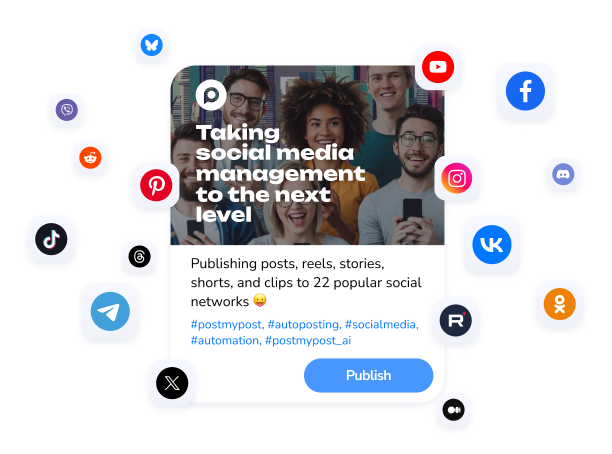
Schedule and publish posts, Stories, Clips, and Articles to VKontakte communities on autopilot via the official API.
Learn more
Formats: posts, Stories, Clips, Articles
Text posts, photo albums, Stories, short Clips, and long-read Articles — every VKontakte format is available in one editor, no extra tools needed.
Auto-publishing from RSS
Connect your website or blog RSS feed and Postmypost will automatically publish new content to your chosen VKontakte communities.
Official VKontakte API integration
We connect through the official VKontakte API — communities link securely, publications go out reliably, and your pages remain fully protected by the platform.
VKontakte Analytics

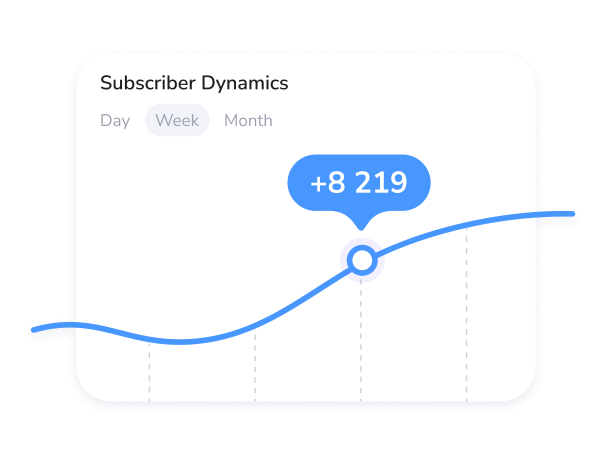
Track reach, views, and subscriber demographics for every post and community.
Learn more
Reach, views, likes & reposts
See reach, views, likes, and reposts for every publication — quickly identify what content performs best across your communities and replicate it.
Subscriber demographics
Explore age, gender, and geography data for your VKontakte community followers — and create content that speaks directly to your real audience.
Best time to post
Postmypost analyses when your subscribers are most active and surfaces the optimal posting windows for maximum reach in each community.
VKontakte Inbox

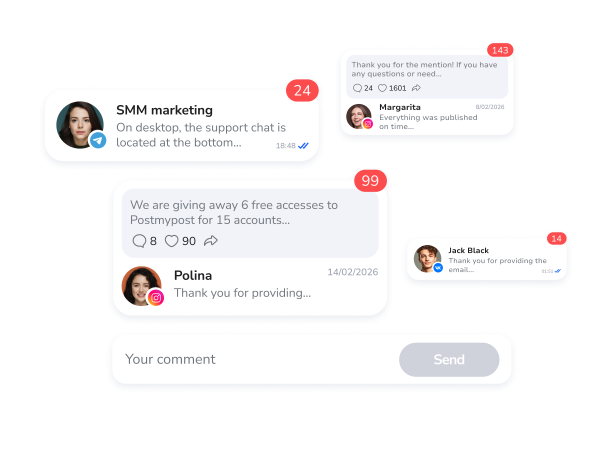
Manage comments from all communities and personal messages from users in a single unified interface.

Learn more
Comments from all communities
Comments from every group and public page you manage land in one dashboard — respond faster and make sure no subscriber is left waiting.
Personal messages from users
Read and reply to direct messages from VKontakte users right inside Postmypost — no tab switching, full conversation context always visible.
Team work with assignments
Route incoming messages to the right team member, set statuses, and make sure every conversation is resolved on time.