
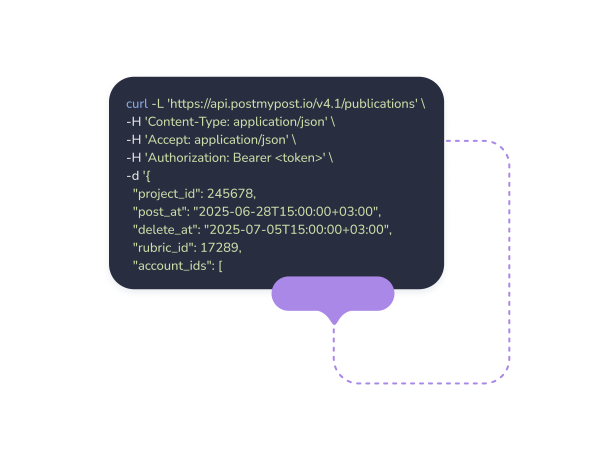
Real-time publication events
Postmypost sends an HTTPS POST to your endpoint the moment a post is published, fails, or is deleted. React to every status change in real time without a single API poll.
Every time Postmypost publishes a post — or fails to — it can send a real-time HTTP notification to your server. Receive the event, process the payload, and trigger any downstream action: update your CMS, log results, schedule the next post, or notify your team.
Real-time publication events
Postmypost sends an HTTPS POST to your endpoint the moment a post is published, fails, or is deleted. React to every status change in real time without a single API poll.
Structured JSON payload
Every webhook delivers a consistent JSON body with publication ID, channel type, post content, status code, timestamp, and error message if applicable — all the context your handler needs in one request.
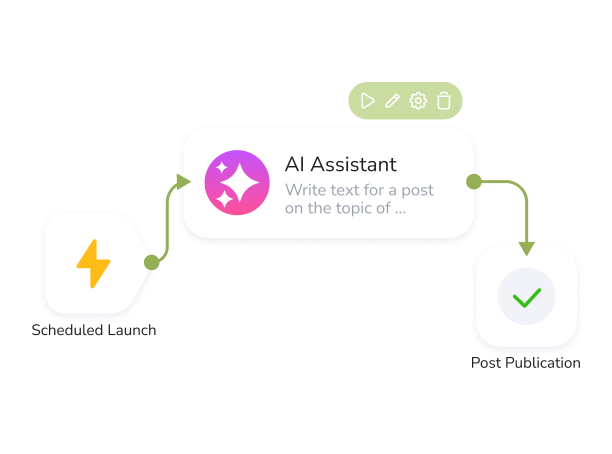
Automate downstream workflows
Wire Postmypost publication events into any workflow: update your CMS when a post goes live, notify a Slack channel on failure, trigger a re-publish, or feed data into analytics pipelines — all driven by webhooks.
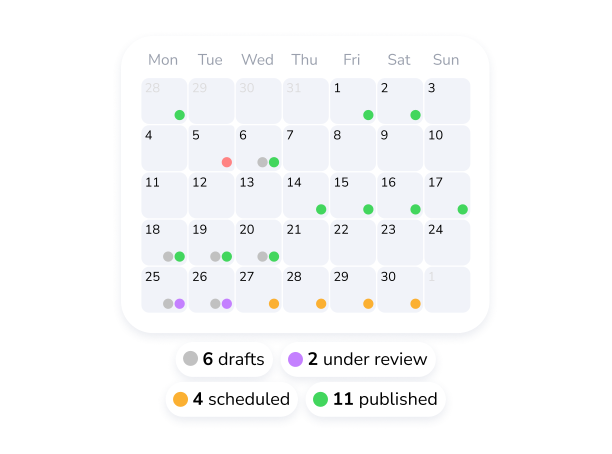
Per-project configuration
Set a unique webhook URL for each project. Events from different channels or teams are routed to the right endpoint automatically — no shared handler logic required.
Delivery log & replay
Every webhook attempt is logged with its full payload and your server's HTTP response. Inspect failures, fix your endpoint, and replay missed events without losing any publication data.
Reliable retries
If your server returns a non-2xx response or times out, Postmypost retries delivery automatically. Your integration stays resilient even during temporary downtime.
7-day free trial. No credit card required.