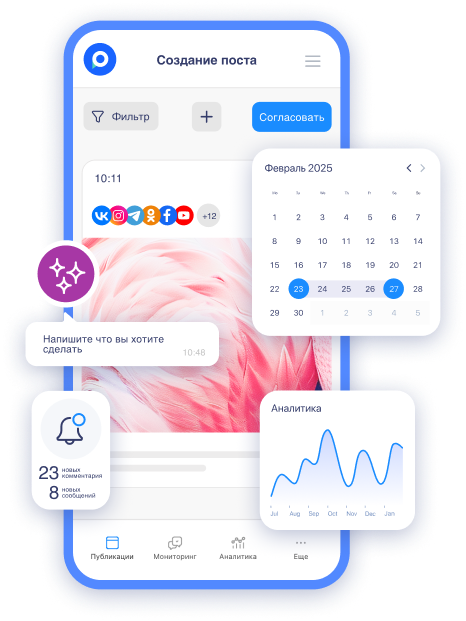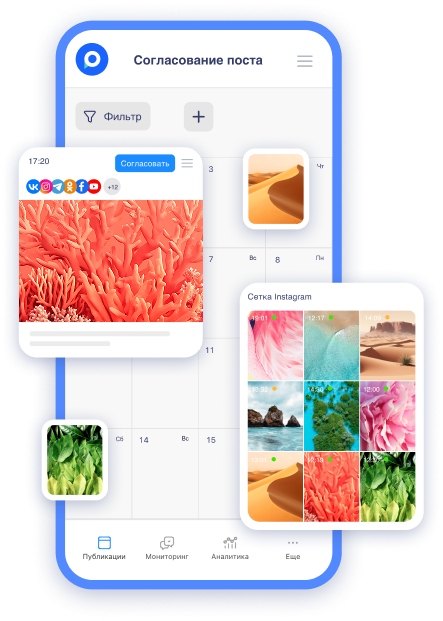
We want to share three updates in the post editor that will make your work and team interaction even more convenient. These improvements have come about thanks to your ideas — thank you for your contributions! And, of course, we look forward to even more suggestions.
What has changed?
Transition from preview to discussion in the post editor
Next to the preview button, a discussion feature is now available. This means that while creating or editing a post, you can open the comments section with one click and immediately start discussing it with colleagues. This approach makes collaborative work on content much more convenient — discussions take place right in the process of working.
Add files to the discussion
You can now attach files in post discussions. This saves time, simplifies communication, and helps keep all materials in one place.
Let's consider an example. A designer makes edits and immediately uploads the updated image directly into the discussion — there's no need to add it to the post before approval or discuss it in messengers.
Or does a client need to send photos for publication? Previously, they had to be sent via email or messenger and then manually uploaded to the editor. Now the client can simply attach files directly in the discussion for the post — the manager won't have to save and re-upload them.
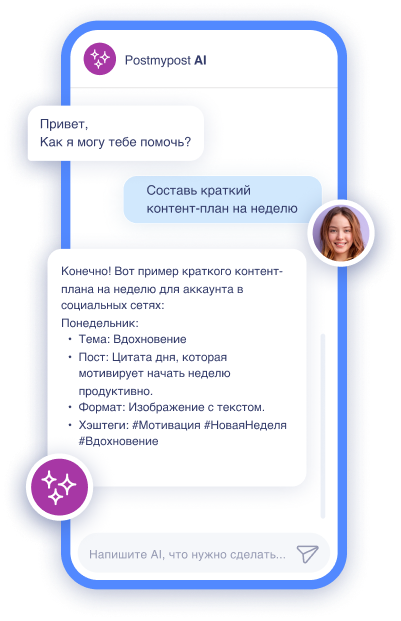
Drag files from the discussion straight into the post
Now you can drag files directly from the discussion into the post. Suppose you've approved the visuals for the post in the discussion, and there's no need to resave or re-add anything. Just grab the necessary file and drag it into the post. One motion — and it's done! The required visual is already in place.
The same goes for materials from the client: received photos in the discussion? No need to resave them — just move them into the post.
Now all work on the post has become faster: edits and materials are attached directly to the post, and the entire team can see, discuss, and approve them immediately.
And also — nothing will be lost. Even if the post is worked on a week or a month later, the entire history of discussions and uploaded files will remain at hand.