Top.Mail.Ru
How to add a cover to a video when scheduling a post: a guide — Postmypost
How to add a cover to a video when scheduling a post: a guide

How to add a cover to a video when scheduling a post: a guide

09.04.2024

Read 3 min.
Education
Ekaterina Novikova

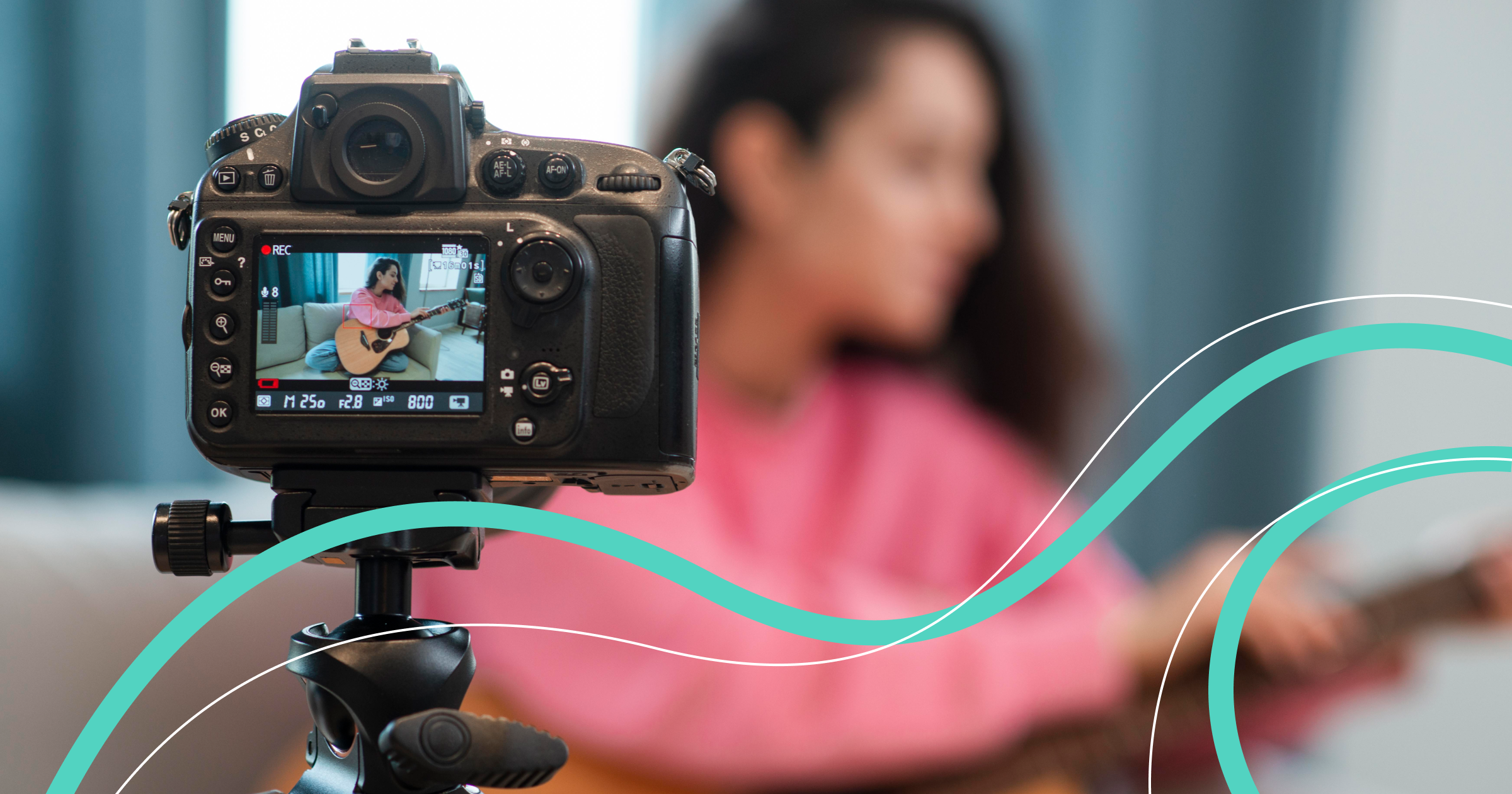
Imagine you open a social media feed and see two videos with the same content. But one has an attractive cover, while the other has a random blurry frame instead. Which video will attract attention? That's right, the first one. So let's figure out how to add a cover to a video when scheduling a post in Postmypost.

Why Add or Change a Cover for a Video

The more interesting and unusual the video's cover is, the more attention it will attract from viewers. It is by this bright cover that viewers will later search for or recognize your video. However, several important rules need to be remembered.

Firstly, the cover should reflect the content of the video and encourage the viewer to learn more. It can be a successful shot from the video itself or a photo, graphic element, illustration, or collage.

Secondly, if the cover corresponds to current trends or popular topics, it will increase the chances of your video going viral. In addition, the cover can affect the video's rating.

Thirdly, an attractive cover will certainly encourage subscribers to click play and watch the video. And that means the number of views will grow and new followers will appear.

How to Add a Cover to a Video

When scheduling a post in Postmypost, you can add or change the cover in the built-in editor. Here's what you need to do.

Step 1

In the unified editor window, select the accounts of the social networks where the post needs to be published.

Step 2

Click the paperclip to add a video.

Step 3

Click the pencil on the uploaded video to enter the editing window.

Group 237.png

Step 4

On the vertical panel on the left, select the video cover icon. You will be offered two options: upload or choose a cover. Click "Upload" if you want to select a photo from your gallery for the video cover. If you want to use a video frame for the cover, click "Play" and then stop the playback at the desired spot. After that, click the "Select" button.

Group 2790.png

Step 5

Click the "Save changes" button, then "Schedule." After that, you will return to the post editing window.

Group 279.png

Step 6

All that remains is to add a description to the video, then specify the post's publication time and click the "Publish" button if the post should be released right away or "Schedule" if you need to delay the publication slightly.

Now you know how to add or change the cover when planning a post. Experiment with different options, observe which covers your subscribers like more, use your brand's style or amaze followers with a variety of solutions. Let all your posts be bright and memorable!



Related articles

All posts
How to adapt content from other social networks for MAX using Postmypost

How to adapt content from other social networks for MAX using Postmypost

07.08.2026

Read 5 min.
Education

Content that works great on Instagram*, TikTok, or Facebook rarely "fits well" into another platform without some adjustments. MAX is a separate socia...

Rodionova Julia
Rodionova Julia
How to create 30 posts in one day using Postmypost

How to create 30 posts in one day using Postmypost

03.08.2026

Read 4 min.
Education

If you manage multiple accounts, work with clients, and constantly feel that too much time is spent on routine tasks — this article is for you....

Rodionova Julia
Rodionova Julia
How to update old posts on VK and Telegram in 2026 — and why to do it

How to update old posts on VK and Telegram in 2026 — and why to do it

30.07.2026

Read 4 min.
Education

A good post rarely "dies" immediately after publication. Sometimes it continues to attract readers from search and recommendations for months. To keep...

Rodionova Julia
Rodionova Julia
How to manage MAX, Telegram, and VK channels via Postmypost without losing quality in 2026

How to manage MAX, Telegram, and VK channels via Postmypost without losing quality in 2026

27.07.2026

Read 5 min.
Education

How to Manage MAX, Telegram, and VK Channels via Postmypost Without Losing Quality in 2026 In 2026, managing a Telegram channel, a VK community, and a...

Rodionova Julia
Rodionova Julia
Social search and social media SEO 2026: how to write posts in Postmypost that are found in VK/Telegram recommendations and search

Social search and social media SEO 2026: how to write posts in Postmypost that are found in VK/Telegram recommendations and search

24.07.2026

Read 5 min.
Education

In 2026, people increasingly search for information directly within social networks. VK and Telegram have also turned into powerful search engines. A...

Rodionova Julia
Rodionova Julia
How to analyze competitors on social media using Postmypost

How to analyze competitors on social media using Postmypost

23.07.2026

Read 4 min.
Education

In 2026, social media is a field of fierce competition. Algorithms promote the content that best captures attention, evokes emotions, and truly engage...

Rodionova Julia
Rodionova Julia
All posts