
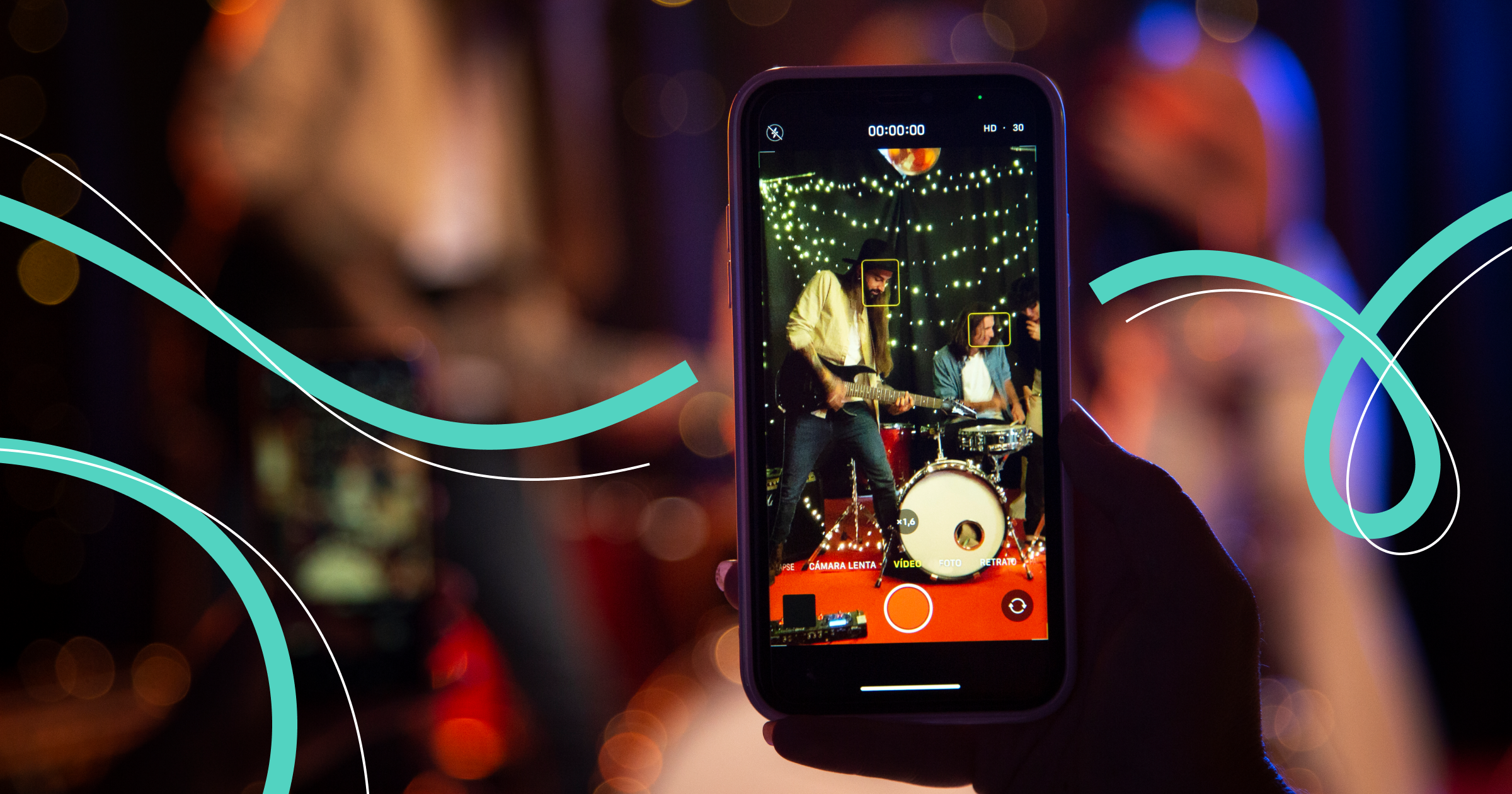

Photos and short videos, the most vivid events captured and posted in the moment, important information for subscribers, and a powerful tool for promoting your account — all of this is stories on VKontakte. How long do stories live, can stickers be added to them, and how to publish stories in advance? Let's look into this.
Why Stories on VKontakte Are Needed
Stories on VKontakte are popular among subscribers. Arguably, the overwhelming majority of users of this social network have published a story at least once. Regular users share moments of their life, thoughts, and mood with friends. For businesses, stories become a powerful tool for promoting products and getting feedback from customers, companies often announce promotions and events in stories and show the “backstage” of their company, engage in contests, surveys, competitions.
Such open interaction with the audience increases customer loyalty and enhances brand recognition. Thanks to VK recommendation algorithms, stories can be seen by potentially interested users.
How to Publish a Story on VK
Step 1
Go to the "News" section on the VKontakte website on the computer. In the mobile app, stories are shown at the top. Click on your avatar with a plus sign and the caption "Story".
Step 2
The story can consist of a photo or video, you can add polls, buttons, etc. You can upload media content from the gallery or capture it at the moment.
Smartphone:
Once you enter the story editor on your smartphone, at the top right you can select the source to upload photos. This can include the phone gallery, downloads, messengers, or social networks, among others. To choose, next to the label "All photos/videos", click the down arrow to see a drop-down list.
If you click the camera icon with a plus sign (at the top right), you can take a new photo or record a video.
Computer:
In the story creation window, click the camera icon. A window will then open where you can select the desired media file.
Step 3
After you've taken a photo or video, you can proceed to editing. The VK app on your smartphone offers several interesting features.
Add text: Press the "Aa" button and write the text you want to place on the image or video.
Overlay stickers: These can be emojis, mentions, polls, links, geo-location, etc. They make the story more lively and engaging.
Change the background: You can leave it plain, blur it, or even create your own.
Add music. To do this, press the button with musical notes, and then choose the desired track from the recommendations or find it through the search bar.
On the VKontakte website, the selection of features is slightly less. You can add stickers, text, filters, or manually edit the photo here. However, polls, mentions, music are not available in VK's desktop version.
Step 4
Select the story display duration. VKontakte allows you to display a story for 1, 12, 24, or 48 hours.
Step 5
Publish the story.
How to Make the Story More Interesting?
Choose bright, memorable images, and interesting backgrounds.
Highlight the title so it's clear at a glance what the story is about.
Add hashtags — they draw more attention to the story.
The text in the story should be concise, clear, and interesting. The font it’s written in should be clear and not too ornate, matching the theme and mood of the story.
Always keep the law in mind and do not publish anything that could cause a negative reaction from users or directly violates the law.
How to Schedule Story Publication in Postmypost
Story postings can be scheduled in advance for any time. For this, the best option is to use the Postmypost social media management service.
Step 1
Enter the social media management service, select the required project, and in the unified publication window, choose "Create Story".
Step 2
Select the account or accounts where the story should be published.
Step 3
Click the paperclip icon to upload an existing image or video, the Yandex.Disk icon to upload a photo from there, or the "Create Story" button.
Step 4
If you are creating a story, upload the photo or video into the opened editor window, add text, stickers, hashtags, links, and other elements.
Step 5
Specify the time when the story should be published.
Step 6
Press the "Schedule" button.
How to Save or Repost a Story
The story is saved in the feed for a maximum of 48 hours, after which it is archived. To open the archive, click the three dots at the top right. You can add the story to a storyline or share it not only with friends on VK but also in other messengers.
Where to View Stories
All stories, both yours and your friends', are located at the top of the feed. If some of them seem uninteresting to you, click on the three dots while viewing and select "Hide from stories" or "This is not interesting". In the future, the algorithm will take this preference into account and not include such stories in the selections.
How to View Story Statistics
- Click on the story or press the eye icon — you can find out how many users viewed the stories.
- Press the "Detailed Statistics" button, and you’ll learn the number of views, how many people shared your story, how many subscribed, what reactions were there, and how many profile visits occurred. You will also be able to see how many subscribers clicked on the music sticker and added it to their music.






