
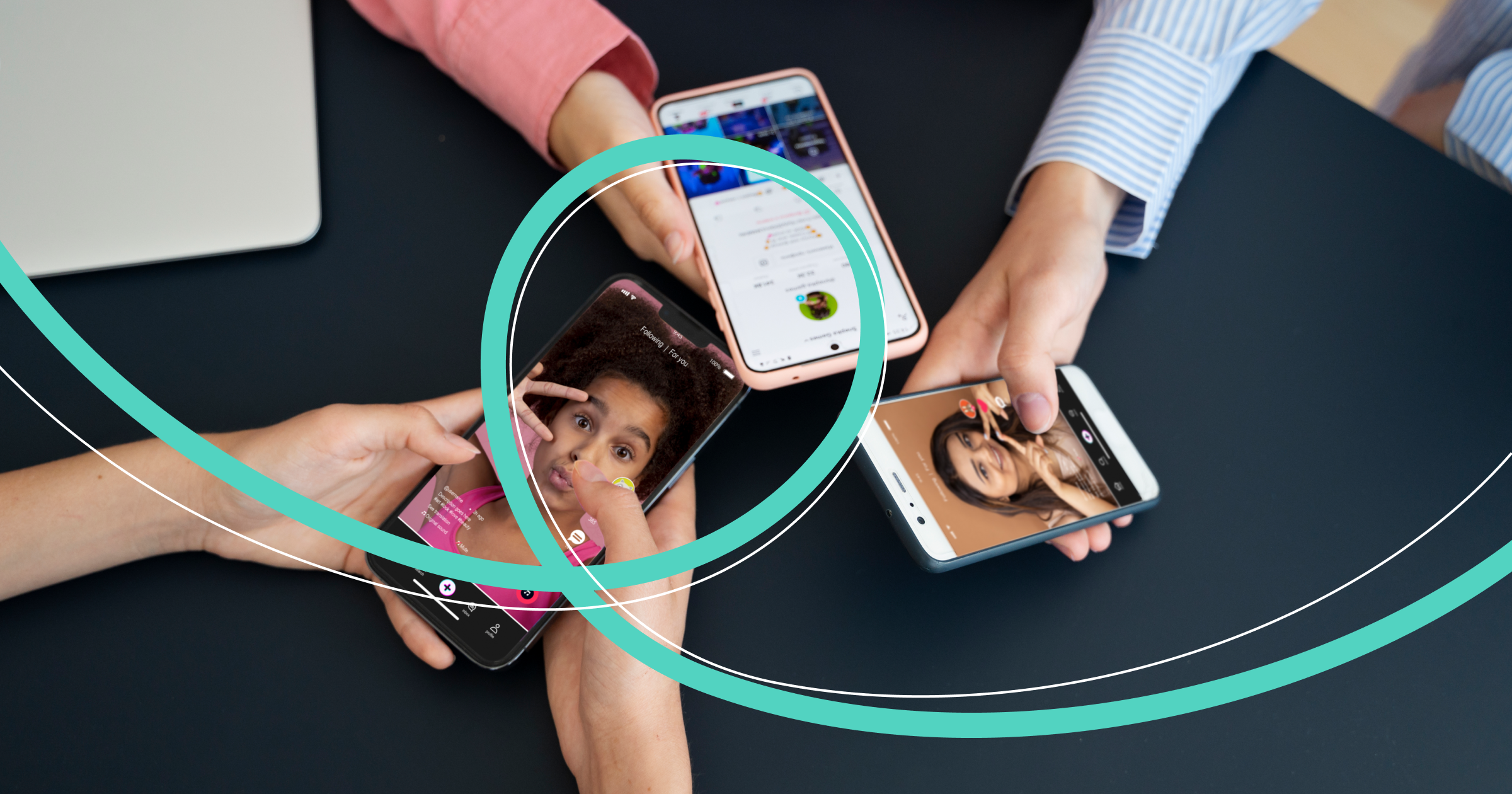

Send a funny video to a friend, sign up for a webinar with a psychologist, buy jewelry, train with a popular coach, get inspired by celebrity ideas, find a colleague from a past job... Users log into Instagram* for so many reasons! Many also run businesses. Let's figure out how to present yourself in this social network and how to manage a business page.
At the beginning of 2024, Instagram* users logged into their accounts about 7 billion times — that's data from similarweb.com in just one month! Despite the platform being banned in Russia, about 22% of users over the age of 12 log into Instagram* at least once a month (according to mediascope.net). Some of them have business pages.
 Photographer: cottonbro studio: https://www.pexels.com/ru-ru/photo/iphone-5054355/
Who should have a business account on Instagram*
If you have already started or are just planning to start your business, an Instagram* business account is just what you need.
Advantages of using a business account
Unlike a personal profile, a business account has additional opportunities for promoting content and designing the page. Let's look at its advantages in more detail:
- Analytics. This reflects information such as impressions, reach, gender, age, and location distribution of followers, as well as how they interact with posts. This allows tracking trends in audience interaction with the account. It will help make your posts more attractive, increase sales, and attract new clients.
- Adding contact information. To allow clients to easily contact you, you can add the company's address, business hours, phone number, or messenger. This way, clients can find you more easily.
- Active buttons. Increase the number of inquiries by adding CTA (Call-to-action) buttons. For example: "Sign Up", "Call," "Order."
- Quick reply templates. Instagram* offers a feature to automate answers to frequently asked questions in DMs.
How to create a business account on different devices
Creating a business account on Instagram* is completely free. You can set it up at any time, taking no more than 10-15 minutes. Use one of two methods: register a new account or switch a personal profile to a business page.
Mobile Application
If you have an Instagram* account, log into the app and tap your photo or profile icon at the bottom right corner. To open settings, tap the icon with three horizontal lines at the top right corner of the screen. Then follow these steps:
- Click on the "Account Type and Tools" tab.
- Choose one of the two: "Switch to Professional Account" or "Add New Professional Account."
 https://www.beboss.ru/instagram
- Select the category suitable for your business type.
- Create and give your account a unique name and make a password.
- Fill in the contact fields for connecting with followers.
- Click "Next," and you're done!
If you don't have a registered Instagram* profile, download and install the Instagram* app from the App Store or Google Play. Open Instagram*, press "Register," and then "Create an account." Then switch to a professional account.
Computer
If you are using the PC version, first go to the Instagram* home page. On login, choose one of two options: "Log in via Facebook*" or "Register." When logging in via Facebook*, log in with your credentials. If you chose "Register," follow the steps provided for account registration.
Then go to the "Edit Profile" section and click on "Switch to Professional Account" on the left side of the page. Then act according to the same algorithm as with the mobile application — fill in the necessary fields:
- Select the category suitable for your business type.
- Create and give your account a unique name and make a password.
- Fill in the contact fields for connecting with followers.
- Click "Next," and you're done!
How to design and manage a business page
Designing an Instagram* business account in an interesting and attractive way is already half the battle. Let's figure out how to do it.
- Choose a unique and easy-to-remember name that reflects your business's essence. It should contain the most crucial information: what the follower receives by subscribing to your account. Keywords in the profile title positively affect account search in social networks.
- In the profile description, you can add a unique hashtag associated precisely with your page. It can become your calling card and help followers quickly find your posts.
- Add a high-quality and recognizable profile image. In a personal profile, it can be an avatar, while a brand can use a logo or other recognizable image.
- Provide contact information and a website. Also include working hours and email. This shows care for the follower.
- Post a video on how to reach your location. It can be shot in the first person, e.g., how to walk from the parking lot to the building entrance and then to your location.
- Add active buttons. It will facilitate interaction with your clients and increase conversion.
- Publish quality and attractive content that will interest your audience. Monitor trends, select relevant topics for Reels and Stories. For instance, more than half of Instagram* users prefer to watch product videos rather than read descriptions next to images. By the way: subtitles are not superfluous, as not everyone watches videos with sound.
- Use all available content types, alternating photos and videos, creating carousels.
- Choose a consistent visual style for your Instagram* account, other social networks, and website. This will help distinguish you among competitors.
- Interact with the audience: respond to comments and messages, conduct surveys.
- Create joint posts: this content is also popular.
- Place call-to-action buttons, encouraging users to engage in different actions: communication, contacting you, purchases, etc.
- Choose the best time to publish. Determine the optimal posting time by testing different time intervals to achieve maximum reach.
How to delete a business account on Instagram*
If for any reason you decide not to promote your business on Instagram* anymore, you can delete your business page at any time. There are several options for this.
Switch from a business profile to a personal one
- Go to your profile settings and press the three horizontal lines at the top right corner of the screen.
- Click on "Account" and then "Change account type."
- Choose "Switch to personal account" and confirm your choice. After this, your business page will be removed, and you will revert to a personal profile.
Delete the account completely
Note: deleting the profile is an irreversible action. You will lose access to it, along with all followers, posts, and likes. If you firmly decide to delete the account irreversibly, follow this algorithm. First, go to your profile settings, click on "Account" and choose "Delete account."
Then you'll need to answer a question about the reason for deleting the account by selecting an option from the dropdown list.
The last step is to enter your password and press "OK" to confirm your choice.
Deactivate the profile
If the decision about your business's future is not final, simply deactivate your profile. After deactivation, the account and all of its publications will become unavailable to other users. However, you can return to your profile at any time simply by logging in. Deactivation can be done in the profile settings in the "Account Center" section.
Conclusion
Feel free to create an Instagram* business account to draw attention to your business. Don't be afraid to experiment, find a unique strategy for managing your business page, and achieve excellent results!
* Meta, the company that owns the social networks Facebook and Instagram, is recognized in Russia as an extremist organization and is prohibited on the territory of the country.






