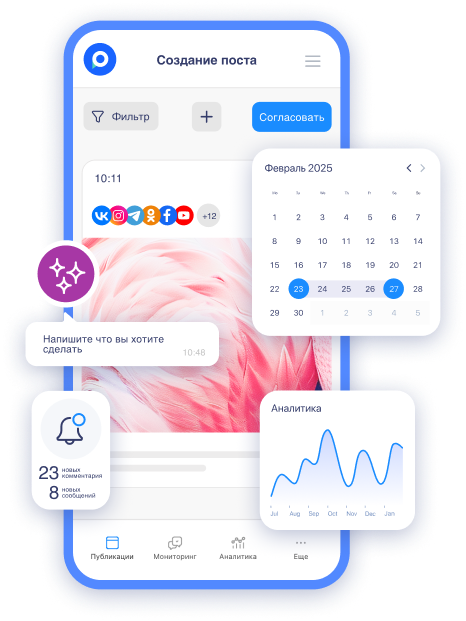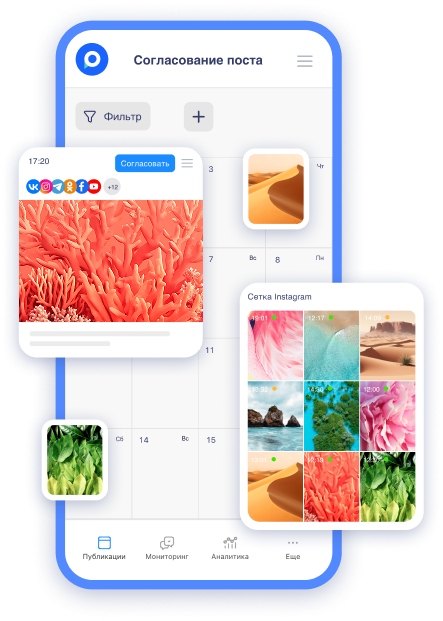
In Telegram channels and chats, content has long ceased to be just a "pretty picture with text." Today, every post is a potential entry point into the sales funnel. The main tool that transforms an ordinary post into a lead and order generation machine is buttons.
According to data from Postmypost and observations from SMM specialists, posts with properly configured buttons yield a 25-40% higher conversion rate in clicks and purchases compared to posts without them. Why? Because the button removes barriers: the reader doesn’t have to manually copy a link, search for the website in a browser, or think "what's next?" They simply click — and are already in the cart or in the bot.
Let’s break it down: which buttons work best, how to create them, what maximizes sales, and how to avoid typical mistakes.
What are buttons in Telegram and why do they drive sales
Buttons are interactive elements that appear right below the post (not in the bot's keyboard). There are two main types:
-
URL buttons — lead to a website, to a bot, for payment, or to a chat.
-
Callback buttons (with a callback) — trigger a scenario in the bot (survey, appointment booking, receiving a receipt, etc.).
Why do they "sell" better than ordinary links in the text?
-
Increase CTR by 2-3 times (the user is already "inside" the post).
-
Reduce the number of "bounces" — the person does not leave Telegram.
-
Allow for precise statistics tracking.
7 types of buttons that genuinely bring sales
Here’s a proven classification (with examples from various niches):
|
Button Type |
Example Text |
When to Use |
Expected Conversion |
|
Direct Purchase |
"Buy with a 20% discount" |
Products, info products, services |
High |
|
Appointment / Consultation |
"Sign up for a free review" 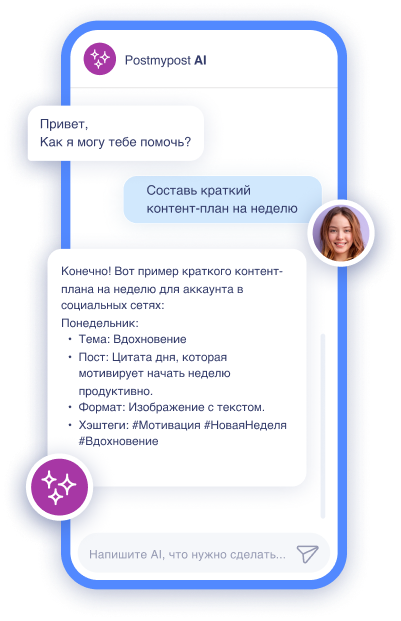
AI-ассистент отвечает в комментариях и сообщениях так, будто это живой менеджер
Быстро, естественно, без пропусков
Узнать подробнее
|
Coaches, experts, services |
Medium-High |
|
Go to Catalog |
"View the entire range" |
Stores, marketplaces |
Medium |
|
Get a Gift |
"Get the checklist for free" |
Lead magnets, warming |
Very High |
|
Open Bot |
"Start a conversation with a manager" |
Complex products (real estate, cars) |
High |
|
Survey + Sale |
"What format do you need?" |
Demand testing before launch |
Medium + Data |
|
"More details in the channel" |
"Read the full guide" |
Cross-posting in MAX or VK |
Medium |
How to add buttons in Postmypost: Step-by-step guide
Postmypost makes the process as simple and visual as possible (without code!).
-
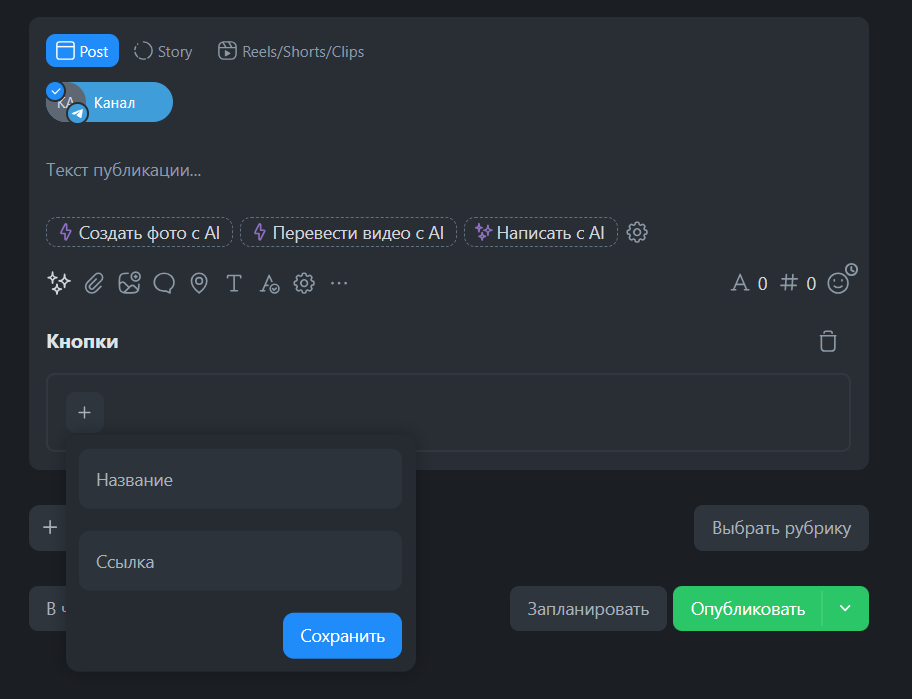
Go to the "Publications" section → "Create Post."
-
Select the Telegram account (channel or group).
-
In the editor, after the text and media, find the "Attach Button" block.
-
Click "+", give it a name, and attach a link.
-
Save the draft → schedule or publish.
Life hack: use the AI assistant within the service. Just write in the chat with the neural network "suggest 5 button options for selling an online course on SMM" — and receive ready-made texts with emojis.
Real examples of posts that sell "in one click"
Example 1. Info Product (Course)
New training format: 30 days — and you earn from Telegram channels starting at 150,000 ₽
✅ 12 ready-made funnels
✅ 50 post templates
✅ Access to a private chat
[Button: "Buy the course for 4,900 ₽ instead of 7,900"]
Example 2. Services (Café)
The autumn menu is ready! Lavender and honey latte — the hit of the season.