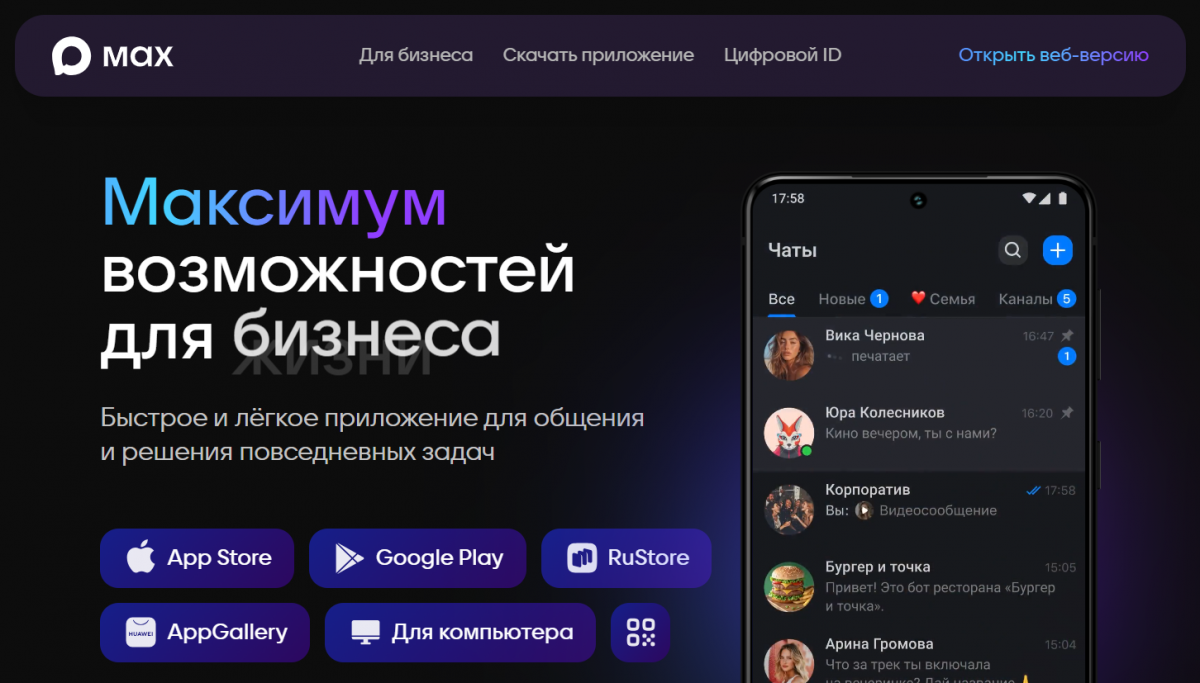
The Max messenger is quickly gaining popularity as a convenient platform for communication, content distribution, and business operations. Since February 2026, creating channels has become maximally accessible to almost every user—without complicated requirements and lengthy verification. This is a great opportunity to launch a personal project, build a loyal audience to share content or monetize it through closed subscriptions or as a partner. In this article, we will explain how to create a channel in Max in 2026.
What Channels are Available in Max in 2026
The Max messenger offers two main types of channels that differ in terms of accessibility, visibility, and target audience. These are closed and open formats—choosing the right one is easier if you understand the key differences.
A private channel is a private space where content is visible only to invited subscribers. It does not appear in the general search of the messenger, has no public nickname, and newcomers can join exclusively through a special link (which the system generates automatically).
The author has full control over access: they can enable the "Join Request" option—then anyone interested can submit a request, which the administrator (you) approves or declines. This option is suitable for:
-
themed communities of friends or like-minded individuals;
-
paid courses and closed master classes;
-
exclusive content (for example, personal notes or materials only for loyal fans);
-
internal communications within organizations—announcements for employees, notifications for departments, etc.
Public channels, on the other hand, are completely open and aimed at a wide reach. They can be easily found through the search within Max—by:
-
nickname;
-
title;
-
description;
-
link.
Any user of the messenger can subscribe without invitation and approval. This allows for organic growth:
-
the project gets recommended;
-
indexed by the platform;
-
attracts a new audience automatically.
This format is optimal for bloggers who want to scale their reach, brands and media seeking publicity, and companies and organizations conducting open broadcasts—news, promotions, expert content, live streams for everyone interested.
In short, the main difference is: if your goal is confidential communication with a limited circle and complete control over access, choose closed. If quick growth, visibility in search, and attracting new subscribers are important, stick with public.
How to Create a Private Channel in Max – Step-by-Step Instructions
The process takes less than a minute and works seamlessly. Registration is possible via iPhone, Android, or the web version. Update the Max app to the latest version of 2026—and you can start.
-
Go to the "Chats" section.
-
Click the "+" icon in the upper right corner.
-
Select "Create."
 AI-ассистент отвечает в комментариях и сообщениях так, будто это живой менеджерБыстро, естественно, без пропусковУзнать подробнее
 -
Upload an avatar (a bright, recognizable image is recommended—it can be changed later).
-
Come up with a name (up to 32 characters, without prohibited words) and add a description (you can specify the theme, rules, contacts).
-
Click "Create."
-
Optionally: immediately add the first subscribers from your contacts or skip this step for now.
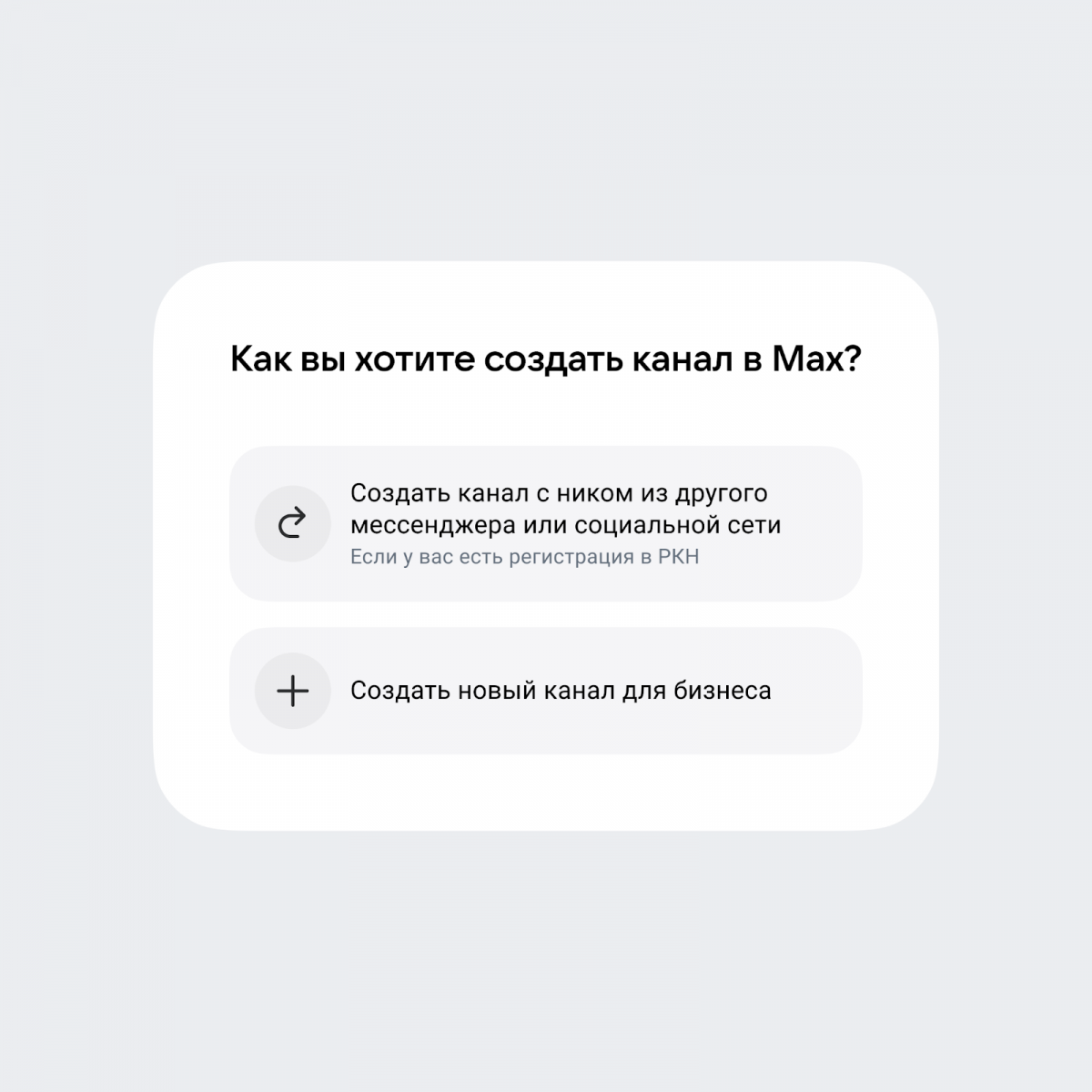
Done, the creation is complete! An invitation link will be generated automatically. Share it in other messengers, social networks, or send it to friends. To control growth, enable the "Join Request" option in the settings—then each new participant will require your approval.
Private channels are not indexed in the general search, but this is a plus for exclusivity: each subscriber feels like part of a private club.
Public Channels: Who They Are For and How to Open One
Public channels are visible in the search within Max, receive a nickname, and can attract subscribers organically. The requirements here are stricter—the platform is aimed at verified authors.
For authors with an A+ label (more than 10,000 subscribers on VK, OK, Zen, Telegram, and registration with Roskomnadzor):
-
First, you will need to open the bot @channel_bot (or "Channels in MAX").
-
Click "Start."
-
Use the "Create" function.
-
Select the platform.
-
Confirm the data using an iPhone, Android, or other device.
After moderation, the nickname and title will appear automatically.
For partner transitions of businesses and organizations from Telegram:
-
Register on the MAX platform as a partner.
-
Complete the verification—in the "Channels" section, click "Create."
-
Follow the instructions of the bot "Channels in MAX for business."
Creating a public channel outside of the familiar Telegram provides advantages: indexing, recommendations, and integration with Max's advertising tools.
Important! Integrations: built-in digital ID, "Goskluch," and the ability to pay via SBP are available in the pro rate.
How to Transfer Your Audience and Content to a New Channel
There is currently no direct import of participants, but transferring your audience is feasible within a few days.
-
Share the invitation link in old communities, newsletters, stories—every subscriber should be aware of the changes.
-
Publish announcements: "Exclusive content is now in Max—join us!"
-
Make cross-posts: duplicate the best videos and other materials with a note "continuation in Max."
-
Enable comments under posts to transfer as many subscribers as possible—this increases engagement and helps find new people through discussions.
Choose the most viewed videos, texts with high engagement, or materials that have already proven their value in Telegram or other platforms—move them with slight adjustments for the new Max audience (for example, add a call to action or a relevant hook). This helps to transfer subscribers more quickly.
2026 Life Hack
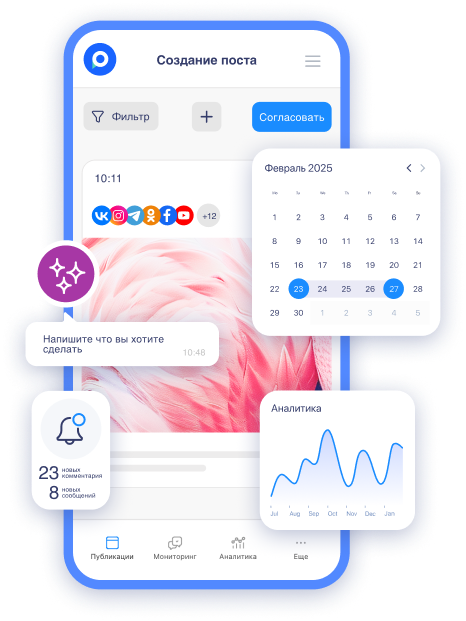
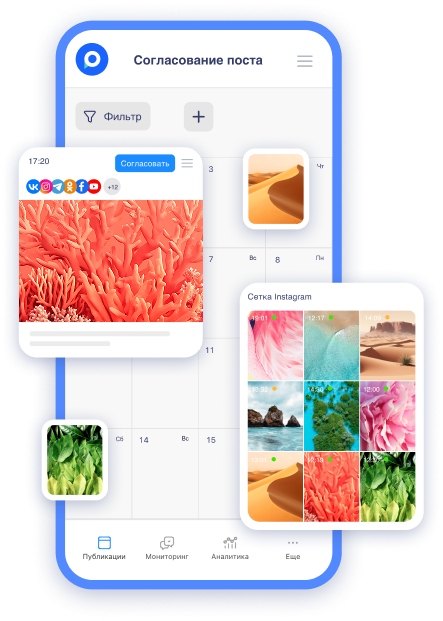
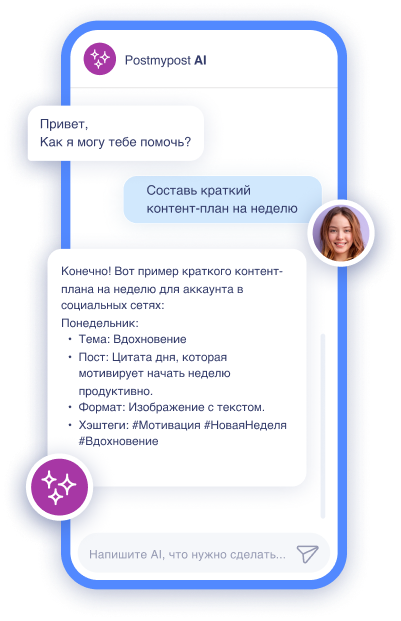
To avoid spending hours on routine posting and missing post release times, many authors and organizations use Postmypost. This professional platform allows you to plan, approve, and publish content across multiple social networks and messengers from a single interface, saving time significantly. Postmypost helps transfer your audience quickly and efficiently:
-
Plan scheduled posts—just upload the material once, and it will be released automatically at the right time in Telegram and all other platforms.
-
Adapt content for different platforms (text, video, images—all in one editor with AI prompts for rewriting or generating ideas).
-
Work in a team: approve posts with colleagues or clients through the built-in chat and shared dashboard.
-
Get analytics on views, reactions, and comments—easily track what works best.
-
Monitor comments with notifications to respond promptly and maintain engagement.
The service uses official APIs, making it safe for accounts and preventing bans, regardless of the device used—whether it's an iPhone or something else. Many are already using it for cross-posting from Telegram, VKontakte, or other platforms to Max—especially useful at the start.
If you manage multiple video channels or want to scale your business in Max, try Postmypost—there's a free trial period (7 days—create an account without linking a card). Register on the official website postmypost.io, connect your Max account, and set up your first autoposts. This will save you hours and help you focus on creating great content, rather than on technical issues.
With this approach, you will gain momentum much faster—the first results will be visible within a week of regular publications. May you also be as successful in your endeavors as Max Vaschenko, Miss Katya (Katie), Mister Max, or other popular Telegram bloggers, television personalities, and other platforms.
Helpful Recommendations for Growing Your Channel in Max
To quickly gain traction in 2026 via Android or another device, adhere to simple rules. So, what to do:
-
Publish regularly (3–5 times a week)—Max loves active authors.
-
Use videos—they get more views and reactions.
-
Add polls, reactions, and pin important posts.
-
Respond to comments—this builds trust.
-
Experiment with formats: short notes, long articles, live streams. Finding your niche is the task of any field.
For those who already have existing channels—this is an opportunity to diversify your audience and test new traffic, regardless of location (Moscow or remote areas). And if you want to automate postings and analyze statistics, pay attention to Postmypost, which helps plan posts in advance, including for Max, saving hours on routine work—content will be created not only faster but also more effectively.
Yes, Telegram remains an acknowledged leader, but Max is already competing with it in speed and functionality. If you open a new channel today—the first subscribers will appear faster than you think. We wish you maximum success in launching and growing. Remember, it's never too late to reach the same level of popularity as Max Vaschenko or other famous Telegram bloggers, TV personalities, or other platforms—Miss Katya (Katie), Mister Max, etc.